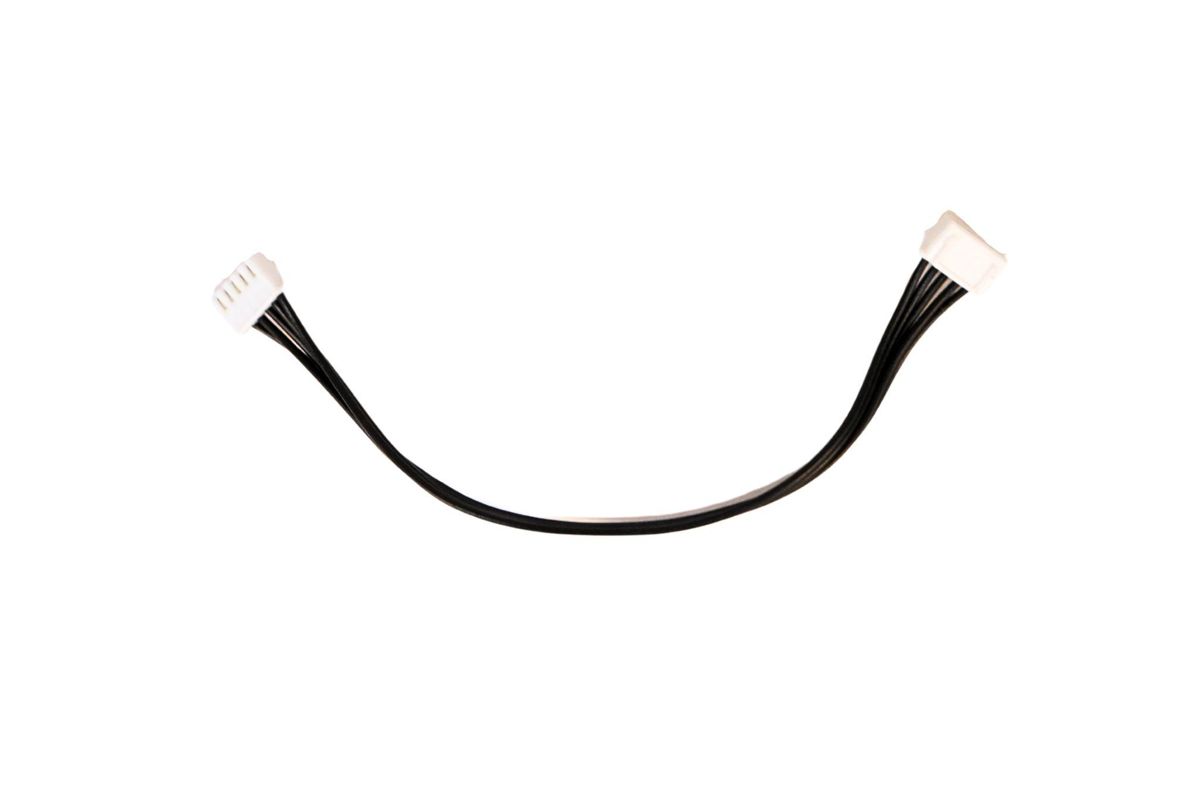
Add more switches — In-wall 4 Switch
Before you start
- A 4 Switch module is the master. Join more 4 Switch or 2 Switch modules to it as expansion modules.
- 6 switches: 4S + 2S. 8 switches: 4S + 4S.
- 10 switches: 4S + 4S + 2S. 12 switches: 4S + 4S + 4S.
- You don't need to set anything up again. The module keeps its settings and updates the switch count by itself.
- Stuck on this step? WhatsApp us a photo
Switch off the power
Switch off the power before you connect or disconnect any module.
- Stuck on this step? WhatsApp us a photo
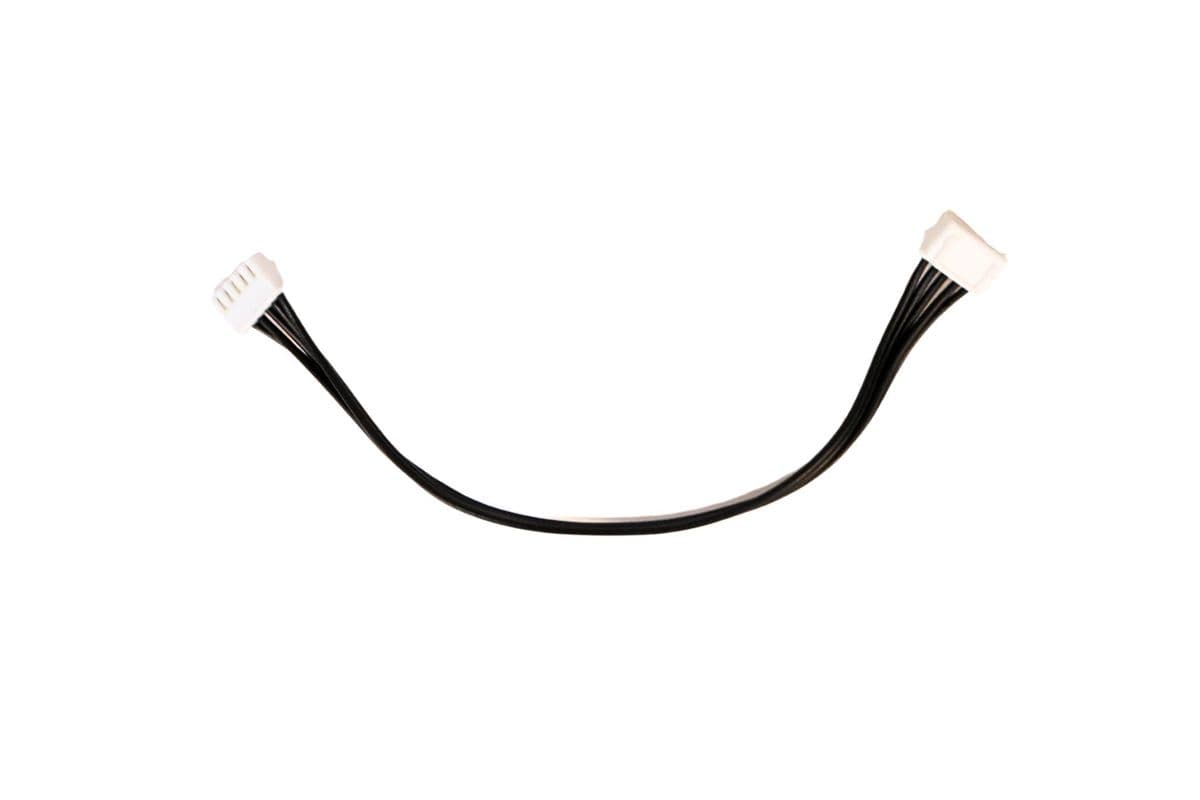
Connect the cable
Plug one end of the 16 cm connector into Master/Slave Out on the master module, and the other into Slave In on the next module.
The connector fits either way round.
- Stuck on this step? WhatsApp us a photo
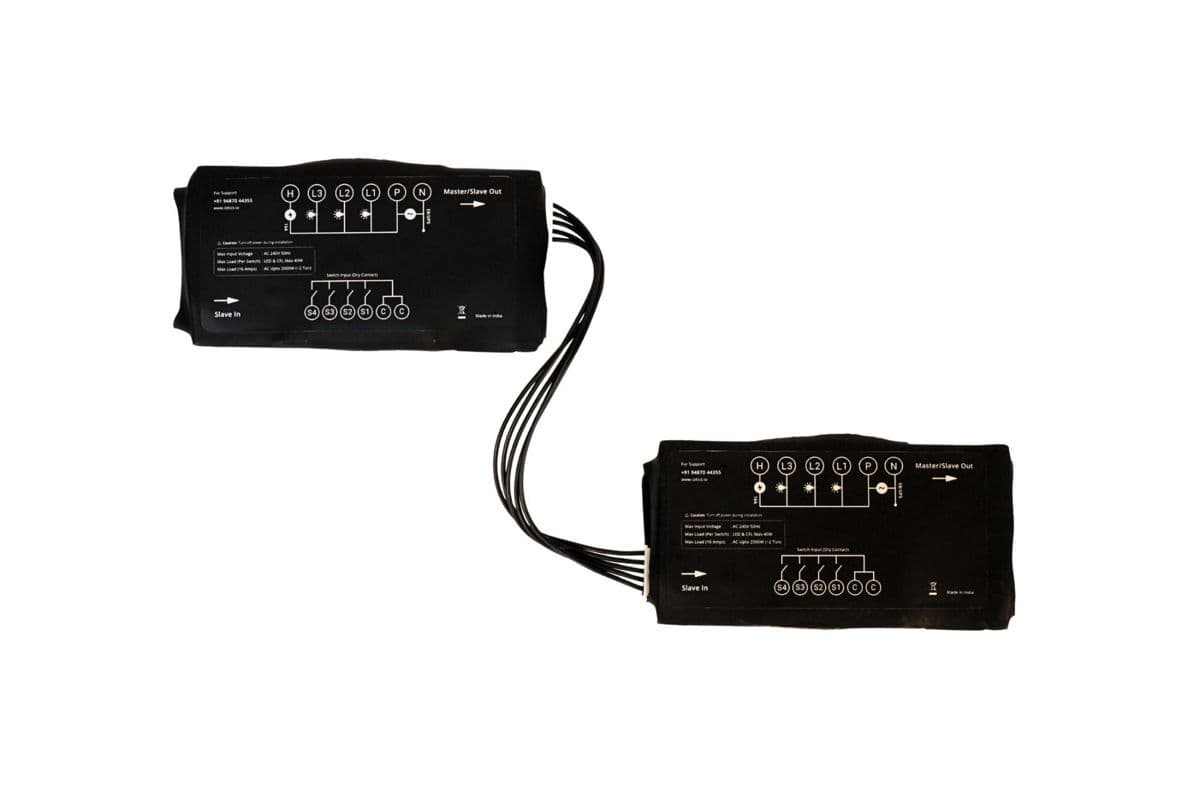
Wire each module's switches separately
Wire each module's wall switches to its own C and S terminals. Never join the C terminal of the master to an expansion module's C.