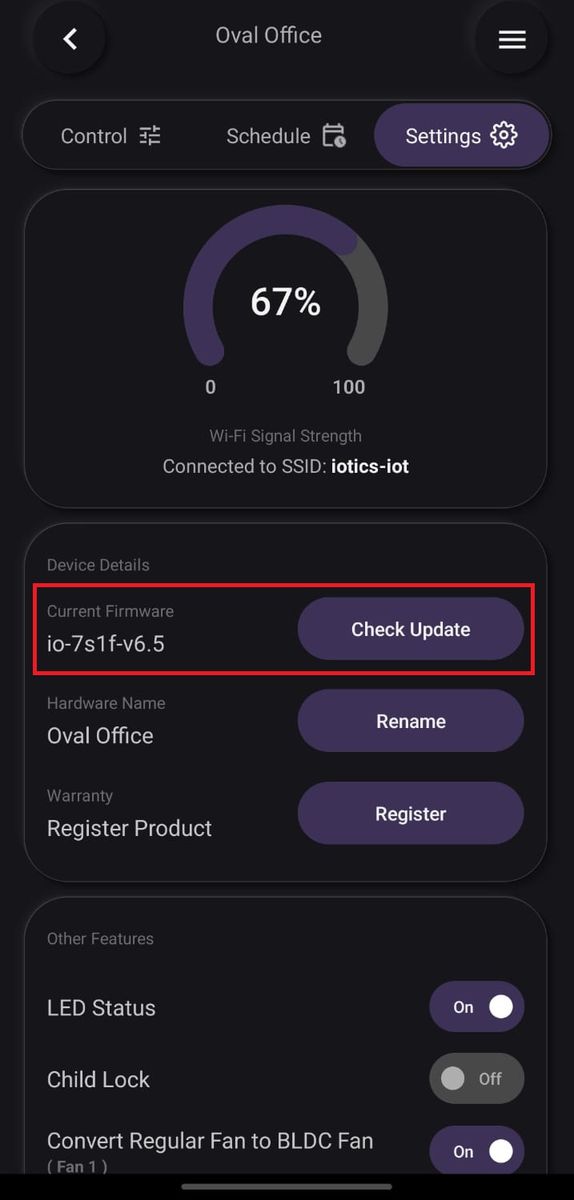
Firmware updates — 6 Switch + 2 Fan + 2 Plug
- Stuck on this step? WhatsApp us a photo
Open the device settings
On the Dashboard, tap ⋮ on your device, then tap Device Settings and Settings.
- Stuck on this step? WhatsApp us a photo
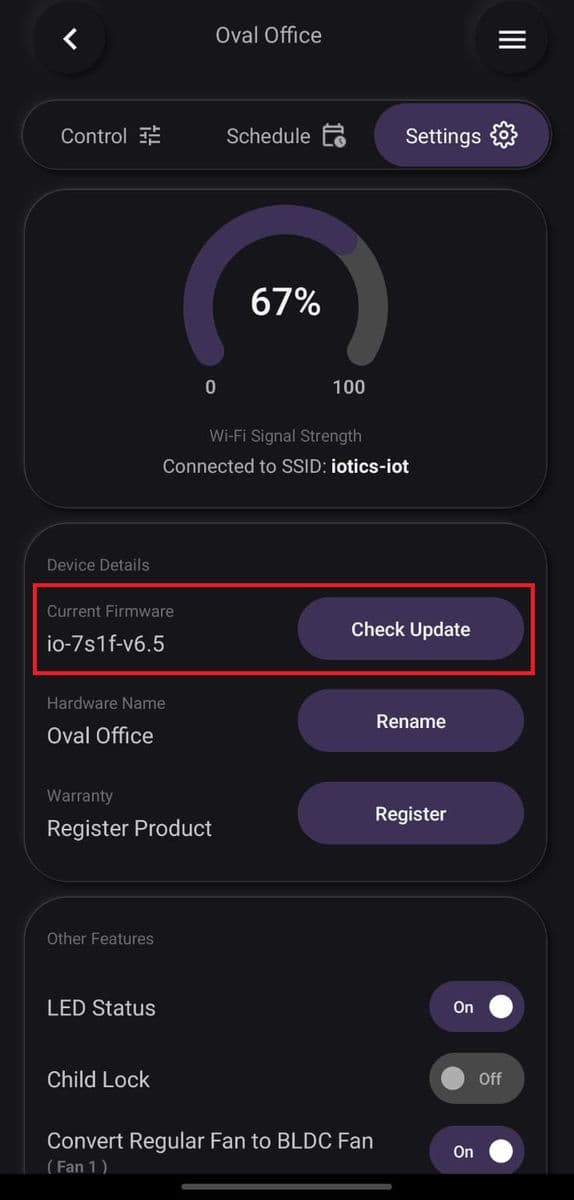
Tap Check Update
Tap Check Update. If a newer version is available, update the firmware.