Scenes — 3 Switch + 1 Fan + 1 Plug
- Stuck on this step? WhatsApp us a photo
Open Scene
On the Dashboard, tap the menu (☰), then tap the Scene tab.
- Stuck on this step? WhatsApp us a photo
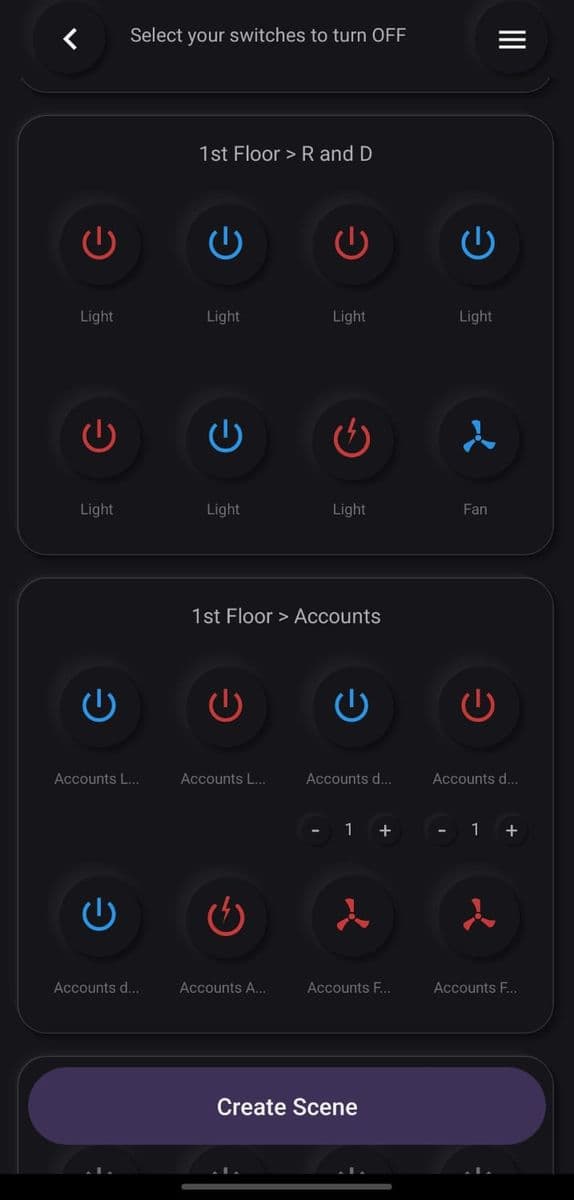
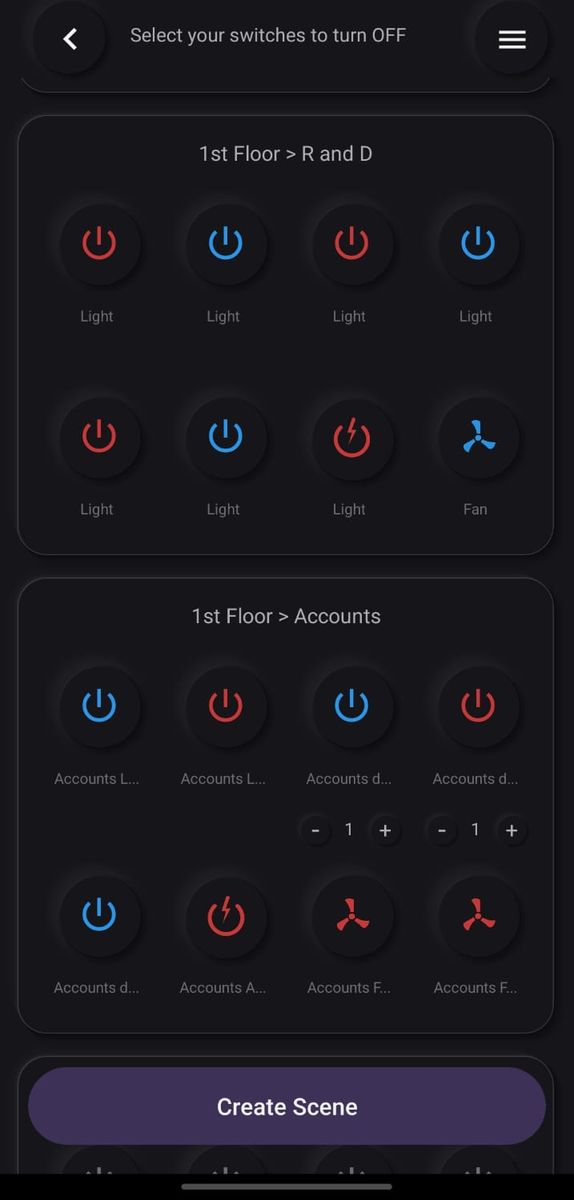
Create a scene
Select the switches you want from your devices, then tap Create Scene.
- Stuck on this step? WhatsApp us a photo
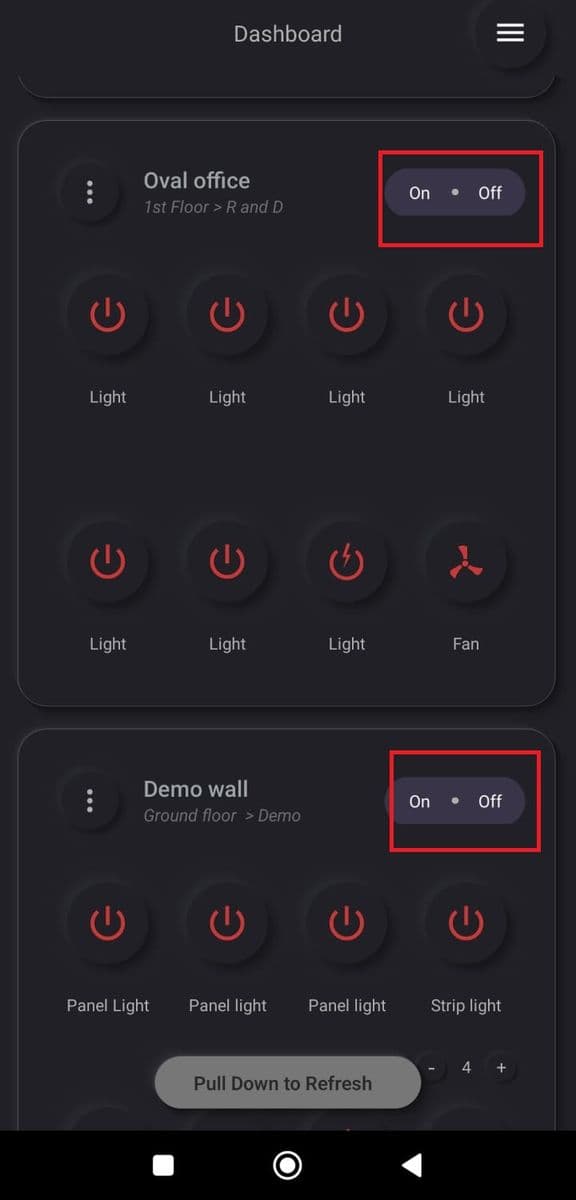
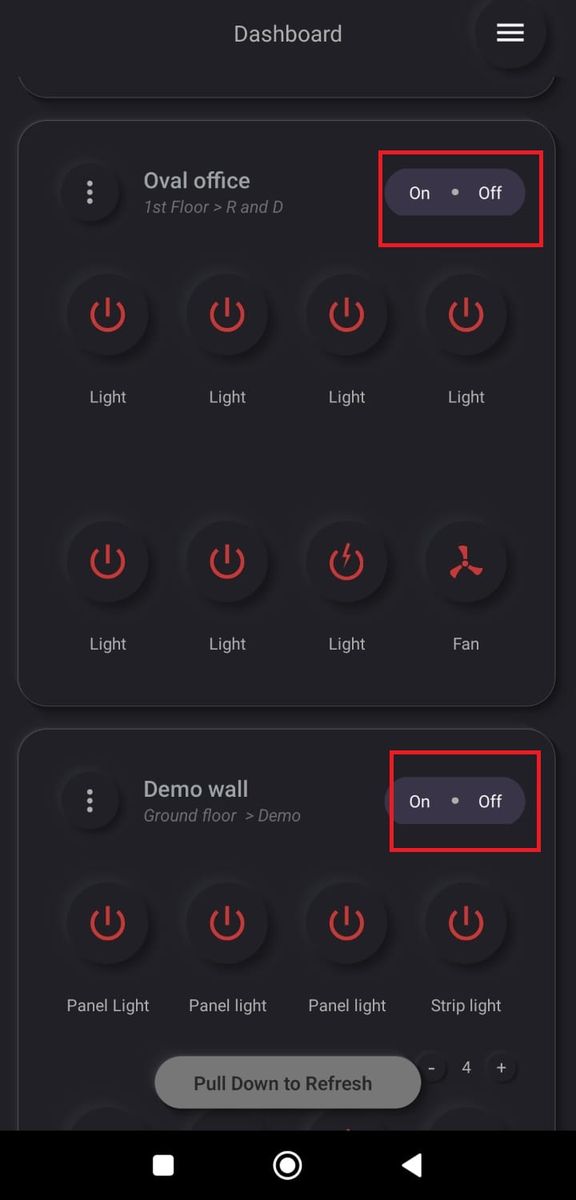
Switch a whole device on or off
On the Dashboard, tap On or Off on a device card to switch all its loads at once.